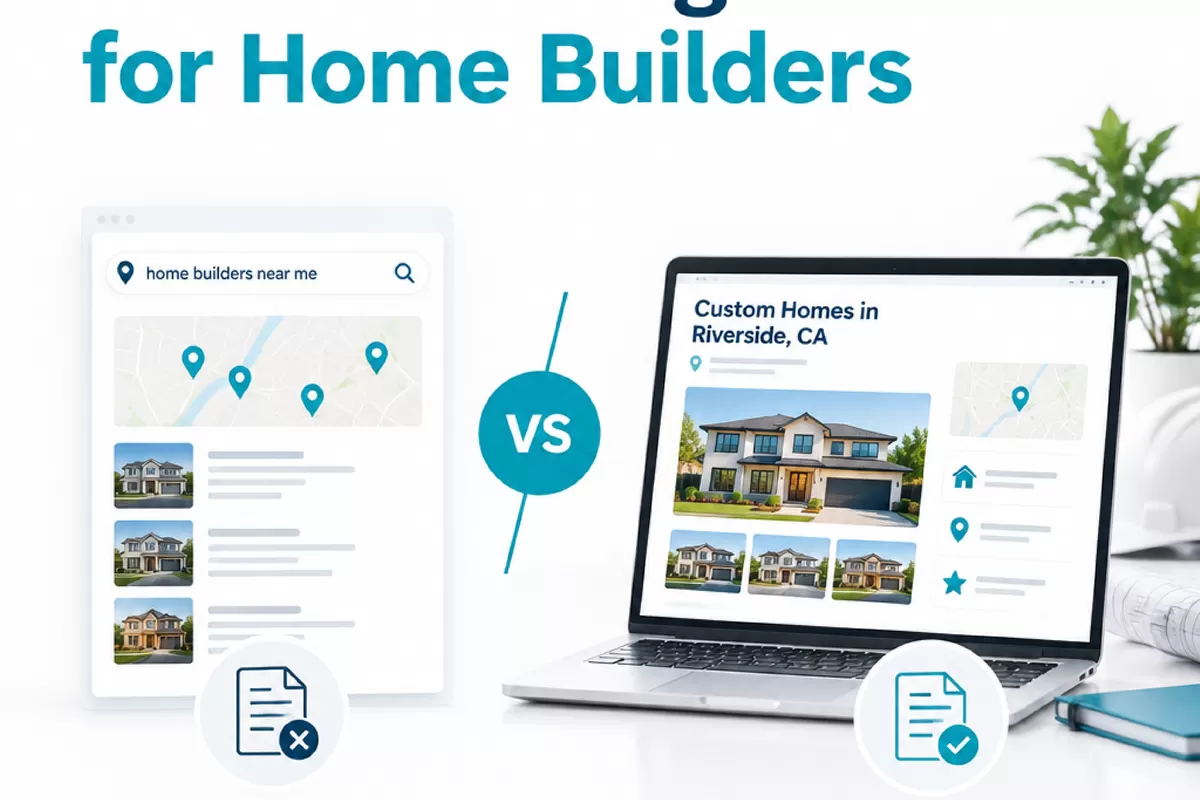
Local pages can help prospective buyers understand where a home builder works, what communities are available, and what building options apply to a particular area. But publishing a page for every nearby town can backfire if the copy is repetitive or the builder cannot actually serve that location. Useful local SEO pages for home builders start with verified coverage, then give each page a clear reason to exist.
This article explains how to choose locations, add meaningful project and community details, connect related pages, and keep information current. It also covers the limits of location pages: a well-made page can clarify relevance, but it cannot by itself overcome Google’s proximity factors or guarantee visibility in a particular place.
What local SEO pages do for home builders
A local SEO page is a page focused on a real geographic area where a builder has a relevant offering or a credible history of work. Depending on the business, that might be an active new-home community, a neighborhood with completed custom-home projects, or a defined service area for building on a customer’s lot. Those are different page types, and the distinction should be clear to visitors.
These pages help people answer practical questions before they contact a builder. Is a community currently selling homes? Does the builder take on custom projects in this area? What kind of homes or lots are available? What should a prospective buyer do next? A page that answers these questions can support both discovery and lead qualification.
The best fit depends on how the business operates. A builder with several active developments may need individual community pages, while a custom builder may need a smaller number of service-area pages supported by real project information. A location page is less useful when it simply swaps one town name for another while making the same broad claims.
Think of the page as a helpful local resource, not a doorway created only to capture a search phrase. It should explain a genuine connection between the builder and the location. If that connection is hard to describe accurately, pause before creating the page.
Choose locations based on real business coverage
Start with operations, not a list of city names from a keyword tool. Ask the sales and project teams where the builder is currently accepting work, where active communities are located, and which areas are outside the practical service boundary. Consider travel time, permitting requirements, subcontractor coverage, land availability, and the builder’s capacity to take on new projects.
Then sort possible pages by the evidence and information available for each location. An active community with a confirmed address, current availability information, and details about its home plans may justify its own page. A service-area page could be appropriate if the builder regularly takes on projects in that area and can explain how its offering applies there. A location that is merely nearby, with no supported service or project connection, may not deserve a page.
- Active community: Confirm its location, current sales status, home options, and the right contact path before publishing.
- Custom-home service area: State what types of projects the builder considers and whether there are relevant constraints, such as lot readiness or travel range.
- Past project location: Use only details that can be verified and shared. Make clear whether the project is a completed example, not a current offering.
- Unconfirmed or low-priority area: Do not imply availability just to create a search landing page. Revisit it if business coverage changes.
Use an internal coverage map or spreadsheet to keep decisions consistent. Record the location, page type, service status, supporting details, responsible reviewer, and date last checked. This is especially useful when sales and construction teams describe coverage differently. Resolve those differences before they become conflicting statements online.
Be specific about boundaries without overstating precision. If a builder evaluates projects case by case, say so plainly and explain how a visitor can confirm eligibility. A broad claim such as “serving the entire region” is risky if the team routinely declines work in parts of it.
Make each page useful with verified local details
Before drafting, define what a visitor needs to know on that particular page. For a community, that could include its location, current stage, available plans, lot or home status, and how to ask about availability. For a custom-building service area, it might explain the process for discussing a lot, what information to prepare, and how the builder determines whether a project fits its coverage and capabilities.
Use details that are accurate and useful, not local references added for decoration. If the builder has permission to share project information, a real project may help explain design choices, site conditions, or the scope of work. Avoid exposing private customer details. If there is no shareable project material, provide other concrete information about the offering rather than inventing a local story.
Organize the page so readers can find the core information quickly. A practical order might be:
- Identify the community or service area and explain what the builder offers there.
- Share current, verified details about availability, plans, process, or project fit.
- Address location-specific considerations only when they are known and relevant.
- Explain the next step, such as asking about a home or discussing a potential lot.
- Link to related communities, plans, or service information that helps the reader continue.
Keep claims proportional to the evidence. Do not promise that a particular home, lot, or design is available unless the team has confirmed it. Avoid implying that every listed plan is approved for every lot. Where details change often, use careful wording and provide a clear way to confirm the current status with the builder.
Write original copy for each page, but originality does not mean adding filler. It means explaining the actual differences that matter to a buyer: the page type, current offering, building process, project fit, or next action. If the only difference between two drafts is the city name, neither page is ready to publish.
Connect community, neighborhood, and service-area pages
Page structure should reflect how the builder’s offerings relate to one another. A community page can link to the home plans available there, relevant buying information, and the broader area page if one exists. A service-area page can point to specific communities or verified project examples within that area. A neighborhood project page should make clear whether it is an example of completed work or an active sales opportunity.
These links help visitors move from a broad location question to a more specific decision. They also help search engines discover how the site’s pages relate. Use descriptive anchor text that tells people what they will find, such as the community name or “custom home building in [area]” when that accurately describes the destination. Avoid repeating a forced exact-match phrase in every link.
Keep the hierarchy simple. A visitor should not have to move through several near-identical city pages to reach the actual community or service details. If many pages repeat the same information and differ only by location, consider combining them into a stronger regional page with a clear list of places served, or retain only the pages with distinct, useful content.
Internal links should also match the current business structure. If a community closes, remove links that present it as active and direct visitors to relevant current options where appropriate. If a service area changes, update the main area page and any child pages that make the same coverage claim. A consistent linking structure makes the site easier to use and easier to maintain.
Avoid thin copy and unsupported location claims
Thin location content is not simply short content. A concise page can be valuable if it gives a visitor the exact information needed. The problem is a page with little original value, especially one that repeats generic sales language, lists place names without context, or implies a local offering that the builder cannot verify.
Watch for common problems during review:
- City-name swaps: Multiple pages use the same paragraphs with only the town changed.
- Unclear service claims: The page says the builder serves an area, but the team has not confirmed that it accepts projects there.
- Stale availability: A page still promotes a home or community that is no longer available, without explaining the current status.
- Unsubstantiated local language: The copy makes claims about local expertise, approvals, or neighborhood conditions that have not been checked.
- Too many overlapping pages: Several URLs target nearly the same area and offering, leaving visitors unsure which one is current.
Do not create dozens of pages just because a keyword list contains dozens of nearby towns. More URLs mean more facts to verify and more content to maintain. A smaller, accurate set of pages is often easier to keep useful than a broad set of lightly edited templates.
Also keep ranking expectations realistic. Local search visibility can depend on factors beyond on-page content, including the searcher’s location and the builder’s broader local presence. A page can help explain relevance and improve the visitor experience, but it cannot force visibility in an area where the business has little connection or reliably outweigh proximity.
Review page quality, freshness, and performance
Location information changes. Communities open and close, plans or lots become unavailable, and service coverage can shift as the team’s workload changes. Assign a person to verify each page on a regular schedule and whenever sales or construction operations change. The review should check facts, not just spelling.
Use this short page-quality checklist before publishing or renewing a page:
- Does the builder genuinely serve this location or have a current offering there?
- Is the page type clear: active community, custom-building service area, or past project?
- Are location, availability, plans, and contact details verified by the responsible team?
- Does the page provide useful details that are not just copied from another location page?
- Are its links relevant, descriptive, and directed to current pages?
- Does the page avoid implying guaranteed availability, service, or local search visibility?
- Is there a clear next step for a visitor who wants to confirm fit?
After publication, review organic search and lead signals together. Search Console can help you see which queries and pages receive impressions and clicks. Site analytics and lead tracking can help assess whether visitors take meaningful actions, such as submitting an inquiry or contacting the builder. Check the data over a suitable period and account for the page’s purpose. A community page may attract a different kind of visit than a broader service-area page.
Do not judge a page only by its ranking for one city phrase. Check whether the page is indexed, whether it attracts relevant searches, whether people continue to useful pages, and whether inquiries fit the builder’s actual coverage. If a page attracts interest from places the business cannot serve, clarify the coverage or adjust the page. If it has no distinct value and overlaps another URL, consolidation may be more useful than adding more copy.
SEO Deep Insights supports custom home builders with local visibility, technical fixes, ranking content, ethical link building, and reporting tied to leads and revenue. For a builder-specific SEO review of location pages and the wider site, see the seo for home builders guide. Any recommendations should reflect the builder’s real coverage and capacity, not assume a page alone can deliver local rankings.
The practical next step is to audit existing location URLs against the coverage map. Mark each one as keep, improve, combine, or remove, and assign an owner to confirm its facts. Then prioritize the pages that represent real communities or service areas and give visitors a clear, current reason to contact the builder.