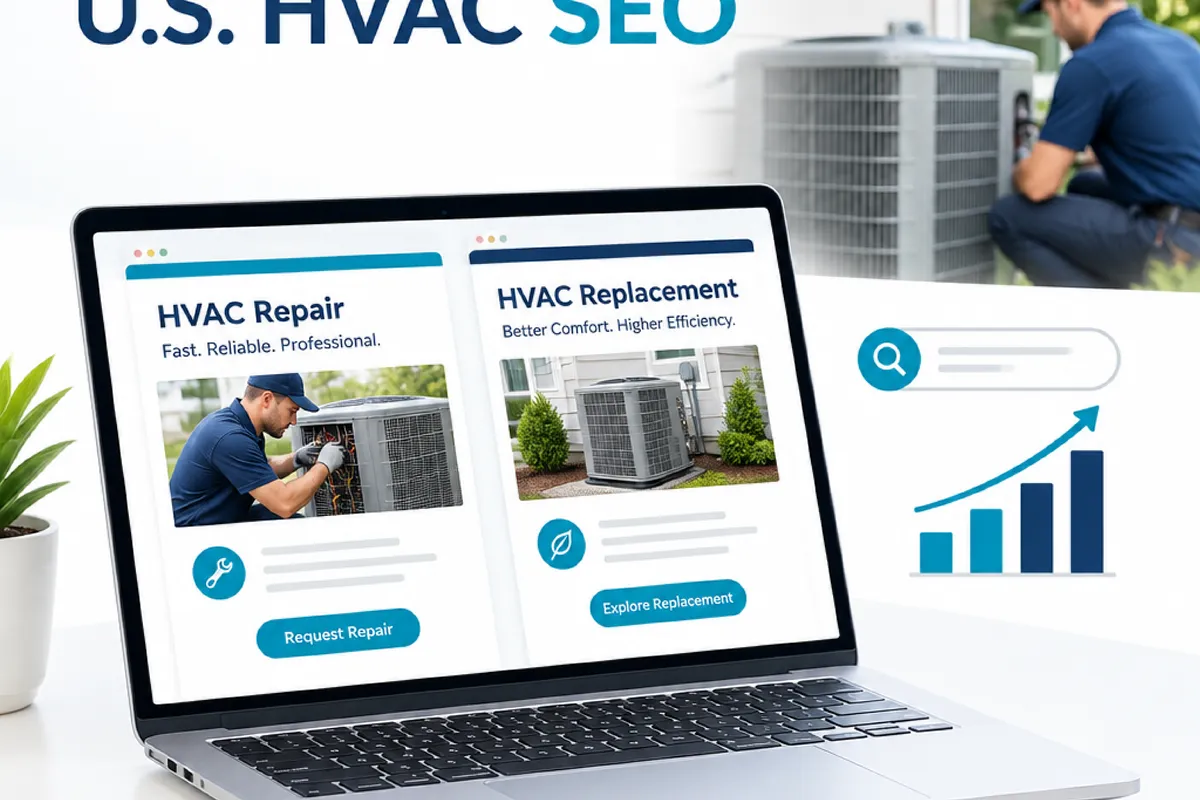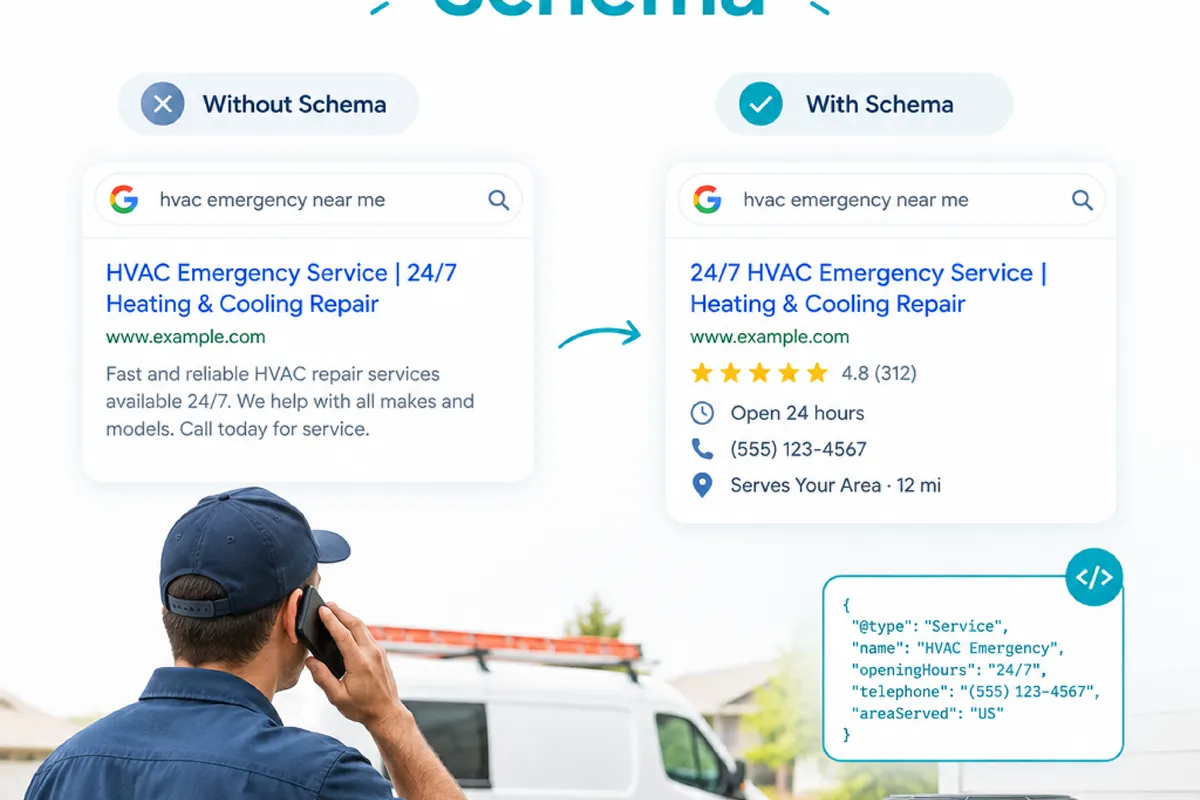
When someone in the United States searches for emergency HVAC repair, they need quick answers: Does the company handle their equipment? Does it serve their location? Can they call now, and what happens next? If those details are vague, a visitor may move on before contacting you.
Structured data, often called schema markup, can help describe information already present on an emergency repair page. It does not guarantee better rankings or a special search result. This guide explains what the page should say, what structured data can communicate, and how to check that the markup matches what customers can actually see.
What should an HVAC emergency repair page tell customers?
Start with the service information a person needs to decide whether to call. The page should make the emergency offering clear without forcing visitors to infer details from a general list of HVAC services. Use plain language, especially for people searching on a phone while dealing with a heating or cooling problem.
Review the page for answers to these questions:
- What do you repair? Name the equipment or systems you service, such as central air conditioning, furnaces, or heat pumps, but only if those are services your team actually provides.
- Where do you go? State the cities, counties, or other service areas you cover. Avoid listing places your technicians do not serve just to appear relevant to more searches.
- When can customers reach you? Distinguish phone availability from technician availability. If calls are answered around the clock but dispatch depends on the situation, explain that accurately.
- How should a customer contact you? Put the correct phone number and a clear next step where they are easy to find on mobile.
- What should customers expect? Explain what happens after the call, such as how your team confirms the location and equipment before discussing service.
Make urgent-service claims carefully. “Emergency repair” can mean different things to different companies. If you offer after-hours calls but cannot promise an immediate arrival, do not suggest that a technician will always arrive within a fixed time. The page should help people set realistic expectations, not create a promise your dispatch team cannot keep.
Check the practical details against how the business operates today. A page with outdated phone hours, a former service area, or an old contact number can be more damaging to trust than a missing technical enhancement. Keep visible page information current before adding structured data to describe it.
What emergency repair schema can and cannot communicate
Schema markup is structured, machine-readable information added to a website. It gives search engines and other systems a clearer way to interpret details that are also presented to visitors. For an emergency HVAC page, markup may help describe the business, a service, and relevant contact or location information, depending on the vocabulary and implementation used.
“Emergency repair schema” is not a magic switch that makes a page rank for urgent searches. It is better to think of it as a way to describe a real service page more consistently. The words on the page still matter. So do the business’s actual availability, local relevance, and contact details.
For example, a page might visibly state that a company repairs residential furnaces in specific nearby communities and provides phone support after regular hours. Structured data should describe those same facts, not add a broader service area or promise a response time that the page does not support.
Common schema vocabulary may include business and service concepts. The right structure depends on the site and the information being described. Do not assume that adding a particular type or property makes a page eligible for a special display in search. Search features have their own rules, and structured data alone does not guarantee a rich result, improved placement, or more calls.
There is also a difference between markup and page content. Markup is not a substitute for explaining the service to customers. If a visitor cannot find the service area or hours on the page, adding those facts only in code creates a mismatch rather than a useful improvement.
How to match structured data to the visible page
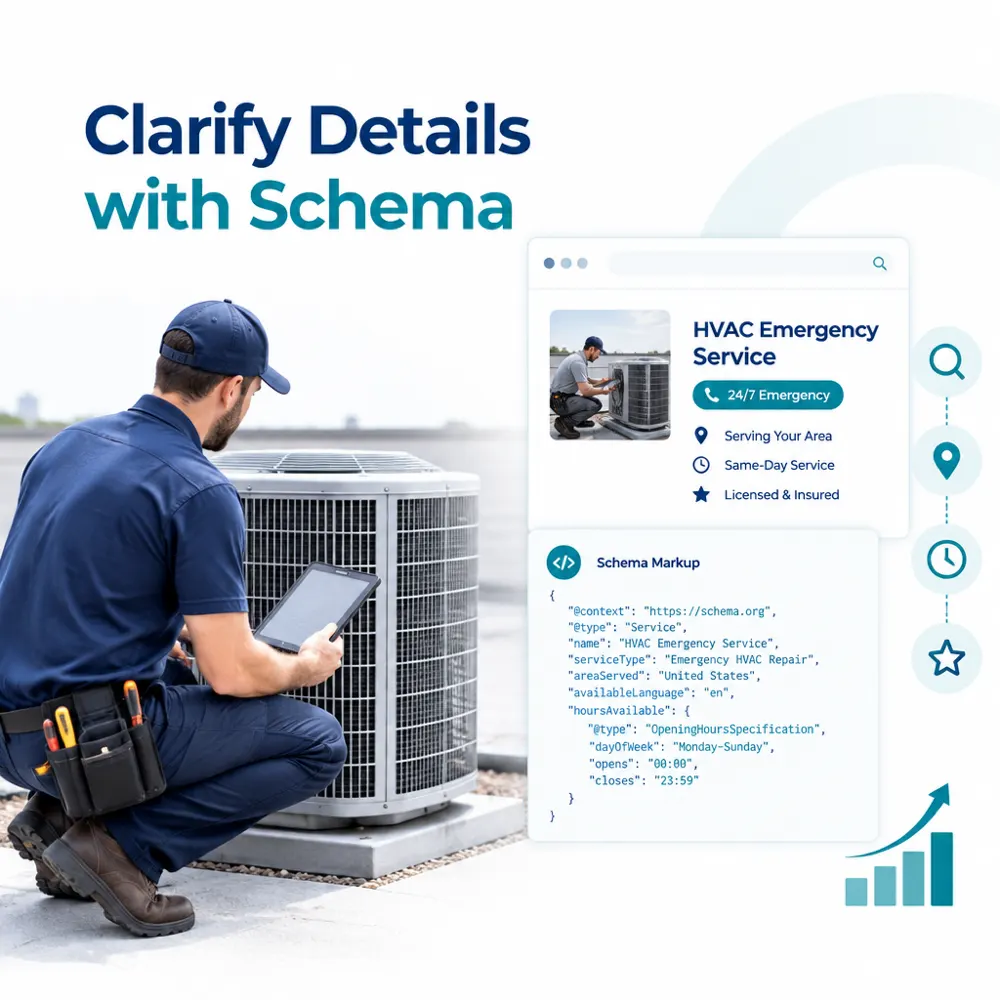
The most reliable review starts with the page customers see, not the code. Open the emergency repair page as a visitor would, ideally on a phone, and note the details it actually states. Then compare those details with the structured data. This simple content-to-code check catches many issues before they become a maintenance problem.
Compare facts one by one
Use a short checklist rather than trying to judge the markup as one large block:
- Business identity: Does the business name in the markup match the name used on the site and in customer-facing materials?
- Phone number: Is the marked-up number the same active number shown on the page? Check formatting and tap-to-call behavior on mobile as well.
- Service details: Does the markup describe emergency HVAC work the page actually explains, rather than unrelated services from another page?
- Service area: Are locations in the structured data supported by the page and the company’s real dispatch coverage?
- Hours and availability: Do marked-up hours reflect the same schedule customers are told? Do not treat a 24-hour answering line as proof of 24-hour technician availability.
- Page destination: Does the markup belong to this emergency repair page and point to the correct page or business information?
For each item, ask whether a customer could verify the same fact without inspecting the source code. If the answer is no, either make the information clear on the page, remove the unsupported markup, or confirm what the business can truthfully claim before publishing.
Keep the page focused, too. If the business has separate service pages for different equipment or locations, avoid using emergency markup to imply that every service is offered everywhere. Clear page structure makes it easier for both people and search systems to understand what the company does.
Local SEO checks for HVAC emergency pages in the United States
Emergency searches often include a city, neighborhood, or “near me.” Searchers may also see local business information and map results as they compare providers. Structured data is only one piece of that local picture. A useful page needs accurate business details and a service-area description that fits the company’s real operations.
Check consistency across the emergency page and the company’s Google Business Profile. The business name, phone number, and address or service-area details should not contradict each other. Businesses that travel to customers should represent their service area accurately rather than presenting a location they do not serve as a staffed storefront.
Local landing pages can help when they provide genuinely useful information for a city or service area. They should explain where the company works and how emergency calls are handled there. Copying the same page and swapping city names, especially for places outside the actual service territory, gives visitors little reason to trust the information.
Reviews can support a customer’s decision, but do not turn them into unsupported claims on the emergency page. Use reviews in ways that comply with the platform’s rules and reflect genuine customer feedback. Do not add review details to structured data simply because they might appear attractive in search.
Keep local maintenance practical. When hours change for a holiday, a service area expands, or the emergency phone line changes, update the relevant website and business-profile information. Then check that any structured data still reflects the current version. Accurate details matter more than broad claims about coverage or availability.
Common emergency schema mistakes and accuracy checks
Most problems come from treating markup as a separate SEO project rather than a description of the page. These checks can prevent common errors:
- Marking up information visitors cannot see: Do not use code to claim hours, prices, guarantees, or service areas that are absent from the page or not confirmed by the business.
- Copying markup across unrelated pages: A template can carry old phone numbers, service descriptions, or locations to pages where they do not apply. Review page-specific details after applying a template.
- Using emergency wording too broadly: If only some services have after-hours support, clarify that distinction instead of making the whole business sound continuously available.
- Leaving outdated details in place: A markup update can be missed when a phone line, operating schedule, or coverage boundary changes. Include these facts in routine website reviews.
- Assuming valid code means accurate content: A technical test may identify formatting or structured-data issues, but it cannot confirm that the company really offers the stated service. A person familiar with dispatch and operations must verify the facts.
- Expecting a ranking guarantee: Structured data can clarify page information, but it does not ensure higher rankings, map placement, or a particular search appearance.
After implementation, test the page with an appropriate structured-data validation tool and review any reported errors or warnings. A warning does not automatically mean the page is broken, and passing a tool does not prove that all claims are true. Check the rendered page, the source or generated markup, and the visible information together.
Also confirm that the page is accessible to search engines and that the markup is present on the intended URL. If a content management system or plugin generates schema sitewide, inspect a few relevant pages to make sure the template has not inserted emergency-service information where it does not belong.
How technical SEO fits into a broader HVAC SEO plan
Structured data is one technical detail within a larger effort. A complete SEO plan for an HVAC company may also involve crawl and index checks, local visibility, useful service content, ethical link building, and measurement tied to leads and revenue. The order matters: make sure the page and business details are accurate before spending time refining markup.
For a broader view of how these pieces fit together, see seo for hvac companies. Technical work should support the page’s purpose and the company’s real service model, not sit apart from them. A page that loads reliably, explains emergency coverage, and gives visitors a clear way to contact the business is a more useful foundation than code added without a content review.
When evaluating performance, look beyond whether a schema test passes. Check that the page is indexed as intended, monitor relevant organic and local visibility, and review calls or form inquiries that can be attributed to the page where tracking allows. Separate branded calls and other marketing sources when possible, and avoid assuming that a change in rankings directly caused a change in leads.
Technical help may be useful if markup is generated across many page templates, details conflict between the website and business profile, or a developer cannot tell which system controls the output. It can also help when structured data errors keep returning after edits. Bring the person responsible for service operations into the review so technical decisions reflect actual availability and coverage.
Practical next steps before publishing
Work through these steps in order. They keep the project grounded in customer needs and make later technical checks easier:
- Confirm the offer: Ask the service or dispatch team which equipment, locations, and hours truly qualify for emergency support.
- Review the page as a caller: Check whether the phone number, service area, and next step are easy to find on a mobile screen.
- Correct visible content: Resolve vague or outdated claims before creating markup. Keep emergency response language specific and supportable.
- Implement only relevant structured data: Describe facts that appear on the page and fit the chosen vocabulary. Avoid unsupported promises or fields added just to chase a search feature.
- Validate and compare: Test the markup, then compare its details against the published page, business profile, and current operating information.
- Set a review trigger: Recheck the page when hours, phone routing, service coverage, or emergency procedures change.
The goal is not to make an emergency page sound bigger than the business can support. It is to help a searcher understand whether the company can help, where it works, and how to reach it, while giving search systems consistent information to interpret. Accurate content and careful technical implementation make that goal easier to maintain.