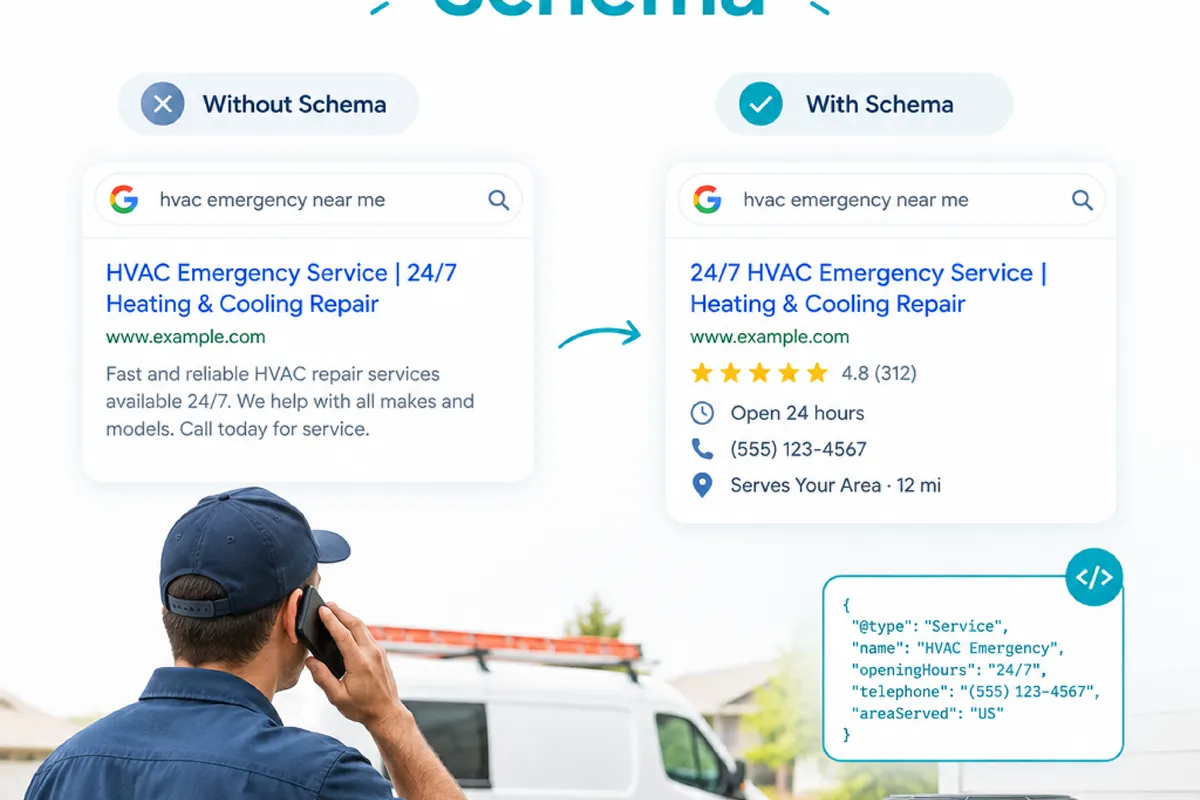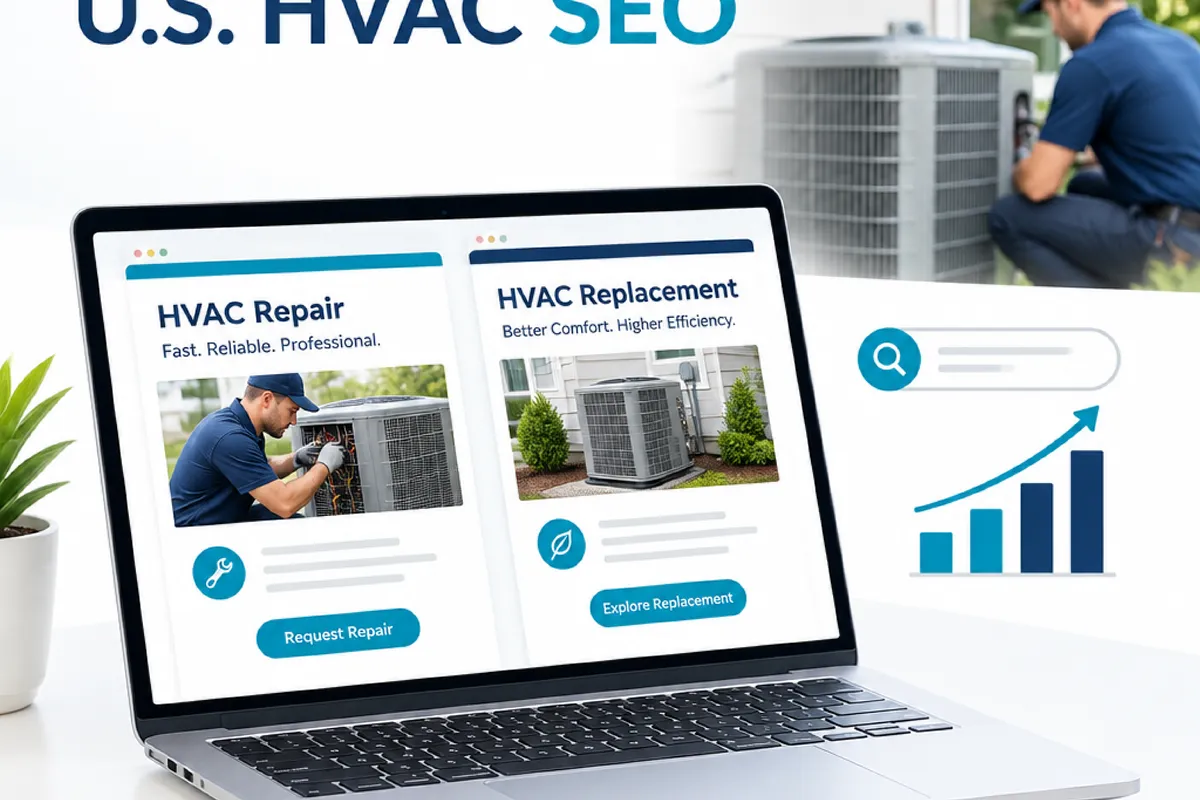
For HVAC companies in the United States, repair and replacement searches often come from people at very different points in a decision. Someone searching “AC not cooling near me” may need a clear route to request service now. Someone researching a new heat pump may want to compare options before calling. If both needs are crowded onto one page, visitors can struggle to find the information that fits.
A useful page structure starts with the customer’s task, not a rule that every service needs its own URL. This guide explains how to tell urgent repair intent from planned replacement research, what to put on each page, and how to connect service pages to trustworthy local information without creating thin or repetitive content.
Why HVAC repair and replacement searches call for different pages
Emergency repair searches tend to describe a problem that needs attention: a furnace will not start, an air conditioner is blowing warm air, or a system has stopped working during extreme weather. Searchers may be looking for a phone number, service availability, a list of covered systems, or a simple explanation of what to do next. The page should make those next steps easy to spot.
Replacement research is usually less immediate. A homeowner may be comparing a repair with a new system, exploring equipment types, or trying to understand what an installation involves. They need decision-making information, such as how an assessment works, which system types the company installs, and what factors affect a recommendation. Avoid promising a particular outcome before a technician has assessed the home.
These searches can overlap. A technician may identify that an older system is a candidate for replacement during a repair visit, and a person researching installation may still need an urgent fix. The goal is not to force every visitor into a rigid category. It is to give each main need a clear page and connect related choices where they make sense.
How to decide whether repair and replacement need separate pages
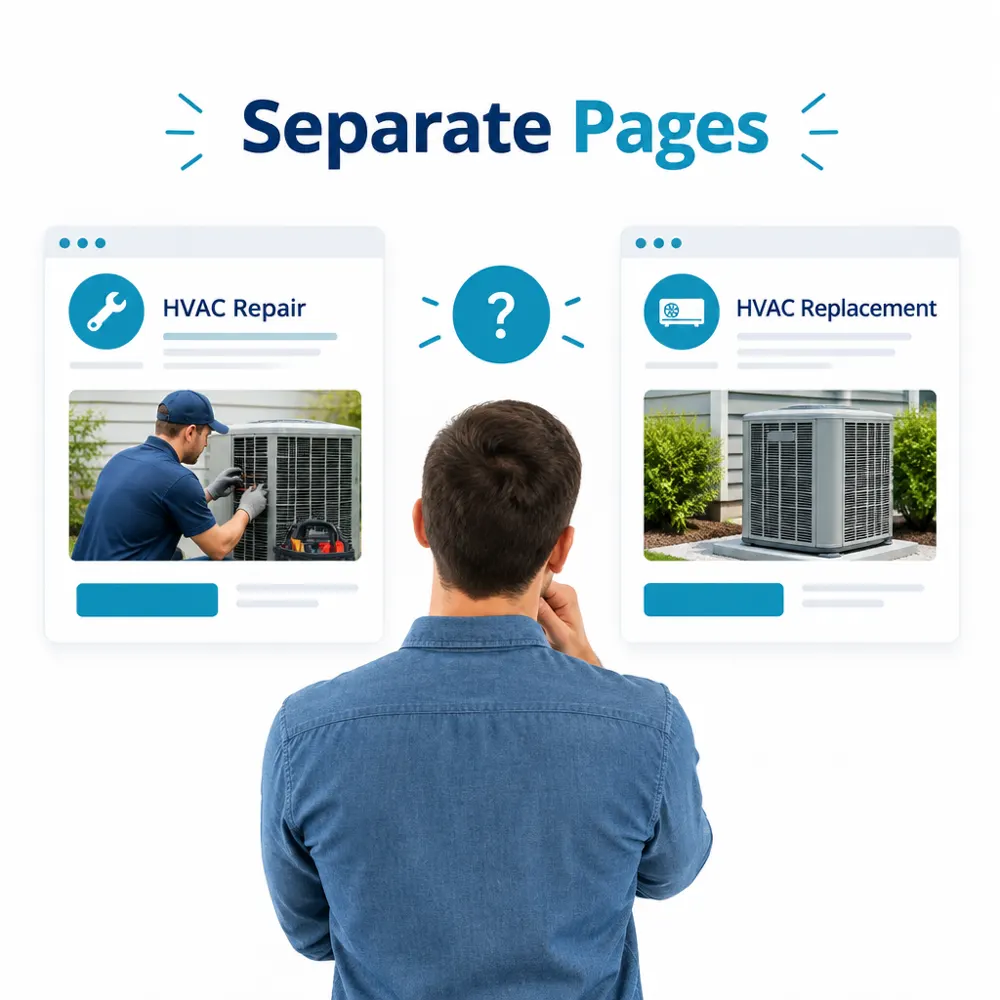
Start by reviewing the services the business actually offers, then compare the questions each service must answer. A separate page is useful when the audience, next step, and information differ enough that one combined page would become confusing. It is less useful when the only difference is a few swapped keywords or a slightly different heading.
Use these checks to make the decision:
- Is the customer’s immediate task different? A request for diagnosis or repair is not the same action as arranging an in-home replacement assessment.
- Would the page need distinct details? Repair pages may explain service requests and common system problems. Replacement pages may describe evaluation, equipment choices, and installation planning.
- Can the company provide enough accurate detail? A page should reflect real services, coverage, and processes. If there is little more to say than “we repair HVAC systems,” expand the useful information or keep that content within a broader service page.
- Do search results and customer questions point to separate needs? Review the queries shown in Search Console, calls and form inquiries, and the language customers use with staff. These are clues, not a reason to create a page for every phrase.
- Can visitors move between related options? A repair page can link to replacement information for visitors considering a new system. A replacement page can explain how to request service if the system has failed and the business offers that service.
As a practical test, ask someone unfamiliar with the site to find the right page for two scenarios: “My furnace stopped working” and “I’m planning to replace my central air system.” If they hesitate because the page mixes both tasks, separate pages may help. If each task is already easy to understand and the content is genuinely distinct, there may be no need to add more URLs.
What to include on an emergency HVAC repair page
A repair page should quickly confirm that the company handles the visitor’s problem and explain how to make contact. Keep the service description specific to the work offered. If the business handles heating and cooling repairs, state that clearly and describe the equipment types it can service only when that information is accurate.
Useful details can include:
- Clear contact options: Place the phone number and service request option where visitors can find them without hunting. Explain how to request help, including any limits on availability.
- Problems and systems covered: Name common issues the business handles, such as a system that will not turn on or is not heating or cooling properly. Avoid implying that every problem can be diagnosed remotely.
- What happens after a request: Describe the next step in plain language, such as how the company gathers basic details or schedules an assessment. Do not promise an arrival time unless the business can reliably honor it.
- Local service information: Clarify the towns or service zones the company actually serves, and link to relevant local information where available.
- Helpful safety boundaries: If a visitor may face an immediate safety hazard, do not encourage troubleshooting beyond the company’s instructions. Direct them to appropriate emergency help when necessary.
Keep the page focused on service, not a long list of every possible HVAC symptom. A short explanation of what the technician may need to inspect is more useful than suggesting a diagnosis based on a few symptoms. If the company offers maintenance as a separate service, link to it rather than turning the repair page into a catch-all for every HVAC topic.
What belongs on an HVAC replacement page
A replacement page should help a homeowner understand the process and decide whether to ask for an assessment. Explain what the company evaluates, such as the existing system and the home’s heating or cooling needs, without presenting a generic equipment recommendation as a diagnosis. The right system depends on the property and other details that require assessment.
Include information the company can stand behind: equipment categories it installs, how an evaluation is arranged, what the installation process generally involves, and what factors can affect the final recommendation. If financing, warranties, rebates, or other offers are mentioned, check that the details are current and that the business is eligible to provide them. Avoid unsupported claims about savings, efficiency, or payback.
Give the visitor a clear next step, such as requesting a replacement consultation. It can also help to explain how to proceed if the current system has stopped working. A link to the repair page lets the visitor choose the path that fits without making the replacement page carry every urgent service detail.
Do not make the two pages near-copies. Changing “repair” to “replacement” in the page title while leaving the same generic paragraphs underneath gives visitors little additional value. Each page should answer different questions, use accurate service information, and make its own next step clear.
Connect service pages to local information in the United States
Local relevance comes from accurate business details and useful information about where the company works, not from repeating city names throughout a page. Keep the business name, address, and phone number consistent across the website and relevant business listings. For a Google Business Profile, represent the business and its service area accurately and follow the current profile requirements.
Use local landing pages when the company has a real presence or a meaningful service offering in a location and can provide information that helps people there. A useful page might clarify which services are available, how the service area works, and how to contact the business. A city-name swap on otherwise identical pages is not a substitute for local detail, and it can leave visitors with little reason to trust the page.
Weather and housing conditions vary across the United States. If local context changes the questions customers ask, address it carefully and only when it applies to the company’s service area. For example, a company might explain which heating or cooling services it offers during relevant seasonal conditions. Do not claim that a particular system is right for every home or imply service coverage where the business does not operate.
Link local pages to the relevant repair and replacement services, and link those service pages back to useful location information. This helps visitors confirm that the service is offered where they live. It also gives search engines clearer context about the relationship between the business, its services, and its actual locations.
Fit page organization into a broader HVAC SEO plan
Separate pages are one part of a site structure, not a ranking shortcut. Before publishing, check that each URL can be found through the site’s navigation or relevant internal links, has a descriptive title and heading, and works on mobile. Technical issues such as broken links, duplicate URLs, or pages that are not indexed can make otherwise useful content harder to access.
As part of a broader plan for seo for hvac companies, page organization can sit alongside technical fixes, local visibility, content that answers customer questions, ethical link building, and reporting tied to leads and revenue. These tasks should support the business’s real services and service area. No page structure can guarantee a particular ranking or volume of calls.
After updates go live, check whether people can reach the intended page from the main service navigation, whether contact links work, and whether the content matches the service the business actually provides. Use Search Console to review the queries and pages receiving impressions, and compare that with calls and form inquiries in the business’s own tracking. Search data can help identify confusing overlaps, but a query alone does not prove that a page needs to be split.
For a practical next step, list the repair and replacement URLs the site already has. Note the main visitor task for each, the details unique to that service, and the next step offered. If two pages answer the same questions, consolidate or differentiate them before creating more. If one page is trying to serve both an urgent repair request and planned replacement research, make the choice clearer with distinct service pages and relevant links between them.